 PDF
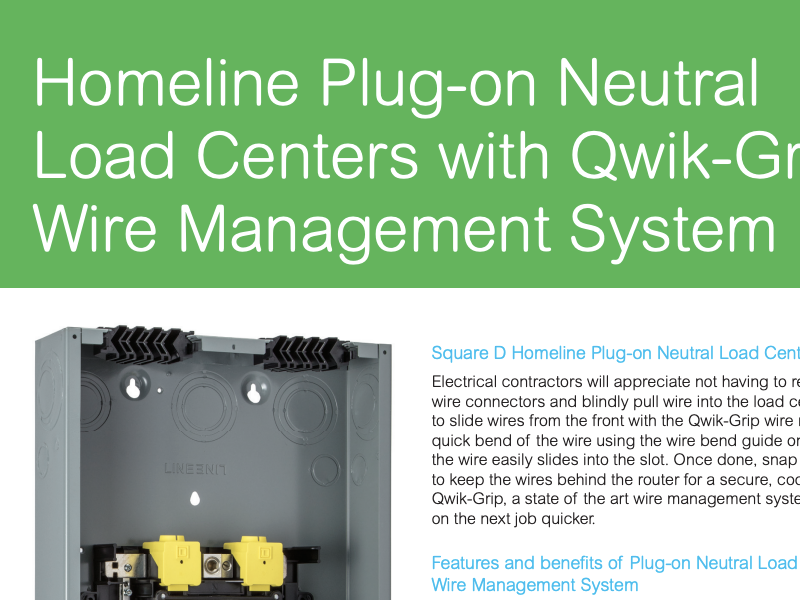
Homeline Plug-on Neutral Load Centers with Qwik-Grip - Handout
View Resource
 PDF
National Electric Code (NEC®) Updates - Handout
View Resource
 PDF
Square D™ Mono-Flat Covers - Brochure
View Resource
 PDF
Square D Plug-on Neutral/Qwik-Grip Load Centers - Brochure
View Resource
 PDF
Square D Retail and Residential Products - Catalog
View Resource
 PDF
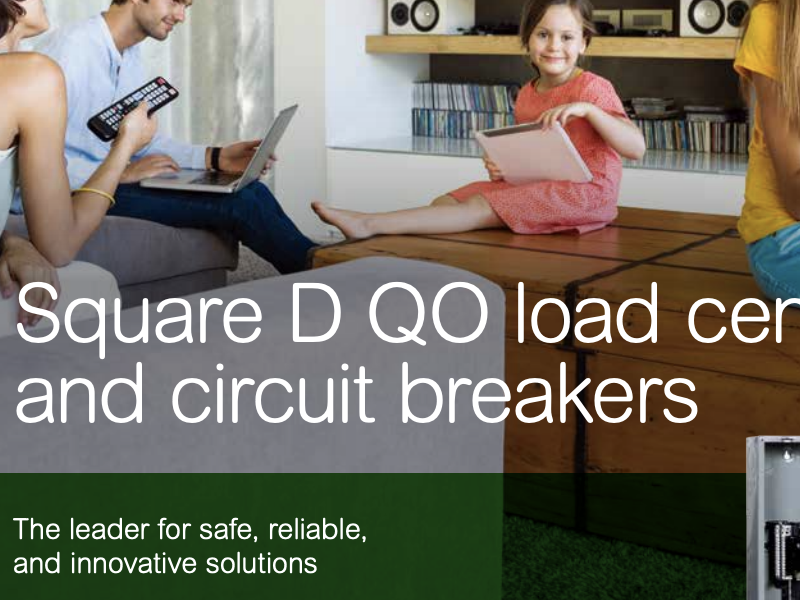
Square D QO load centers and circuit breakers - Brochure
View Resource
 PDF
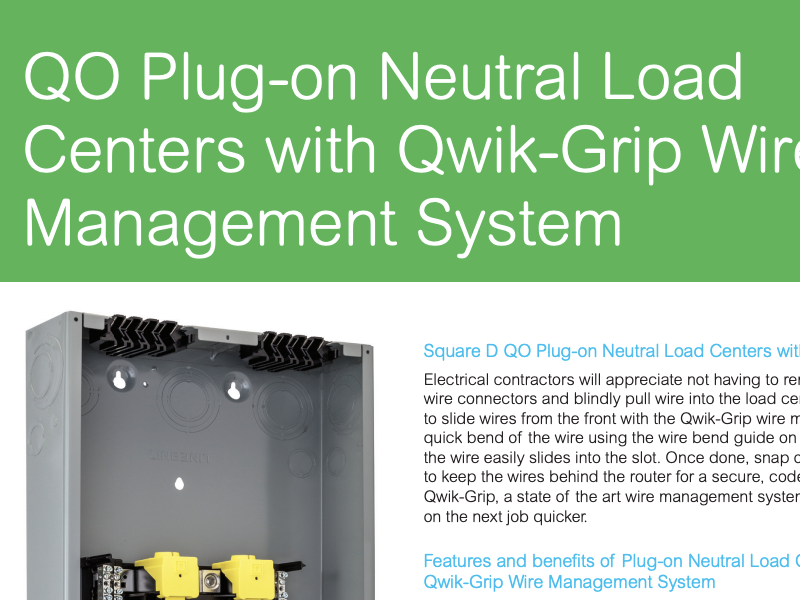
Square D QO Plug-on Neutral Load Centers with Qwik-Grip - Handout
View Resource
 PDF
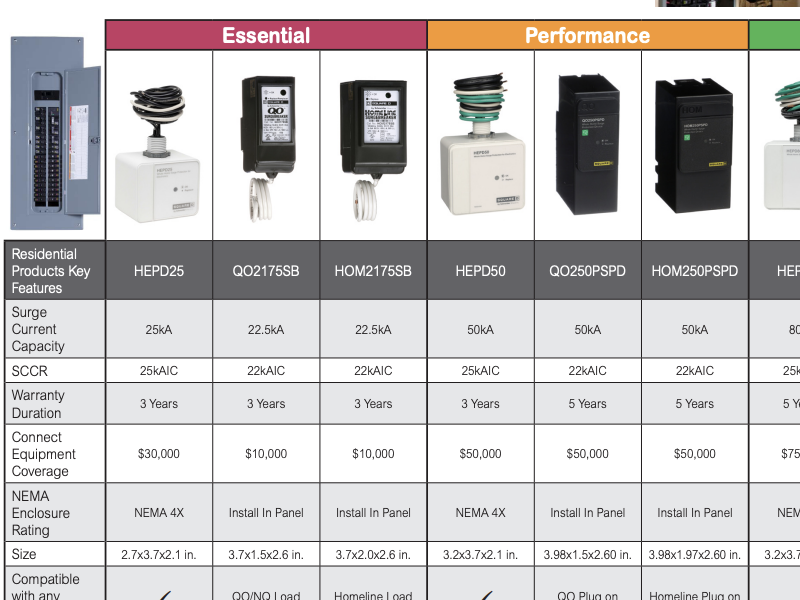
Surge Protective Devices - Handout
View Resource
 PDF
Whole Home Surge Protection - Brochure
View Resource
 PDF
3 Opportunities to Expand Your Business in the New Energy Landscape - Brochure
View Resource
 PDF
GMA-US - Safety Switches - Brochure
View Resource
 PDF
NF Circuit Breaker Panelboards - Catalog
View Resource
 PDF
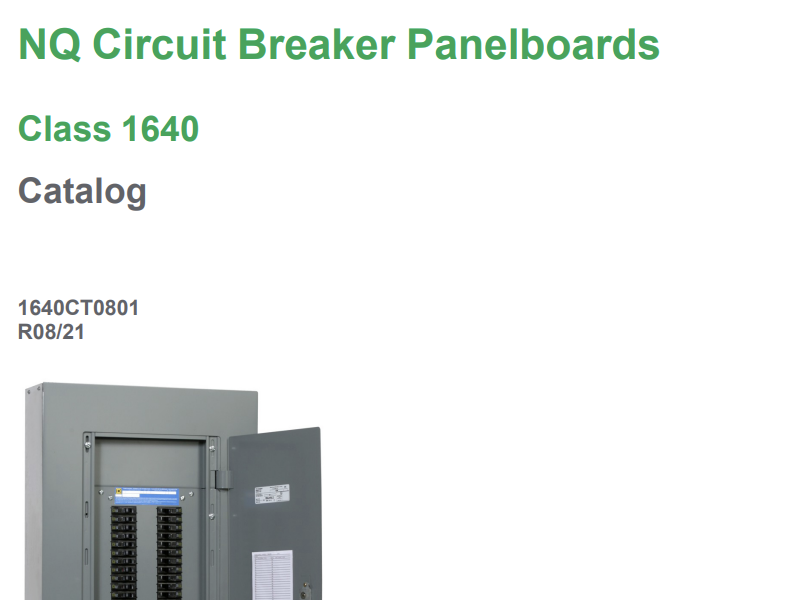
NQ Circuit Breaker Panelboards - Catalog
View Resource
 PDF
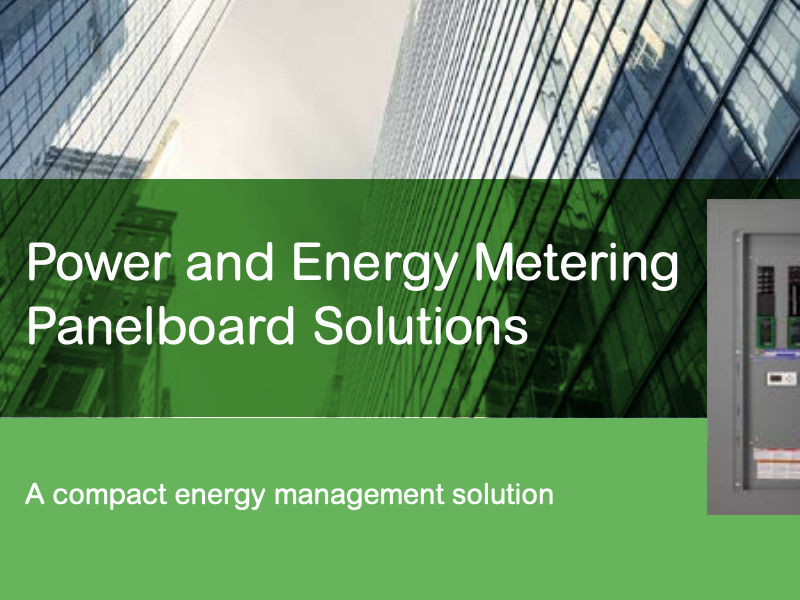
Panelboard Power and Energy Management Solution - Brochure
View Resource
 PDF
Small and medium project solutions, available now - Brochure
View Resource
 PDF
Space-saving I-Line Enable Module - Brochure
View Resource
 PDF
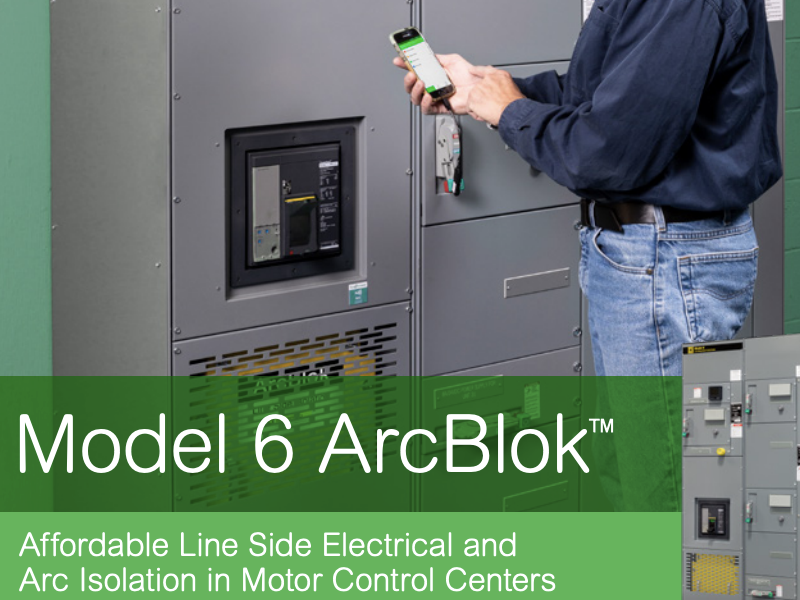
Square D Model 6 ArcBlok Motor Control Centers - Brochure
View Resource
 PDF
Square D QED-2, QED-6, Speed-D Low Voltage Switchboards - Brochure
View Resource
 PDF
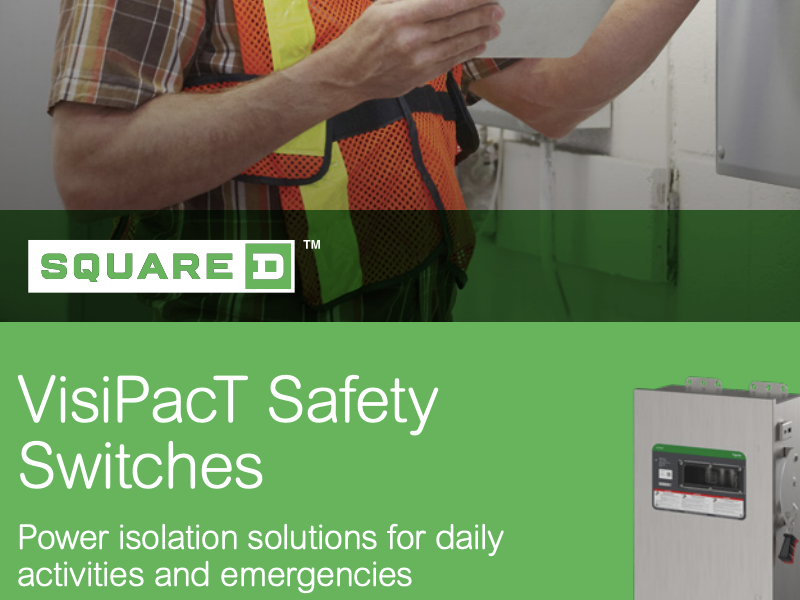
VisiPacT Safety Switches - Brochure
View Resource
 PDF
Control and signaling units Ø30 - Harmony 9001K and 9001SK - Catalog
View Resource
 PDF
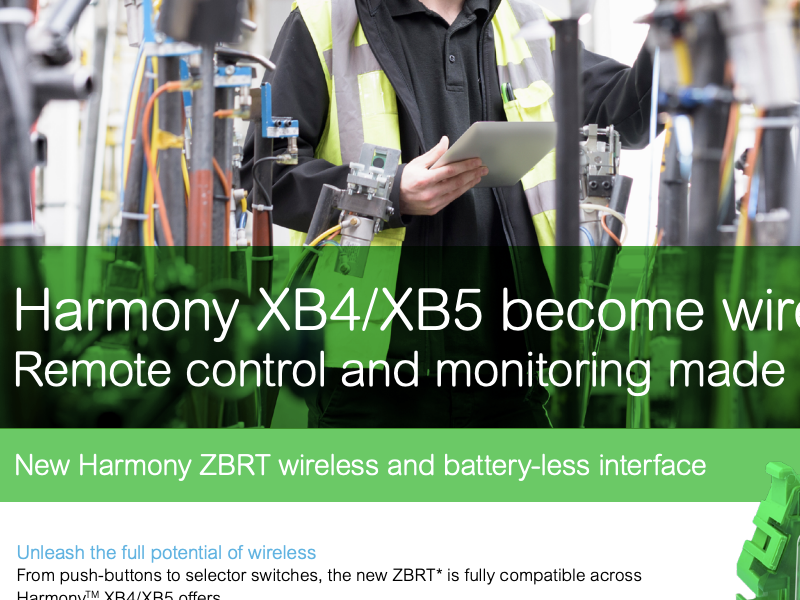
Harmony XB4/XB5 become wireless - Brochure
View Resource
 PDF
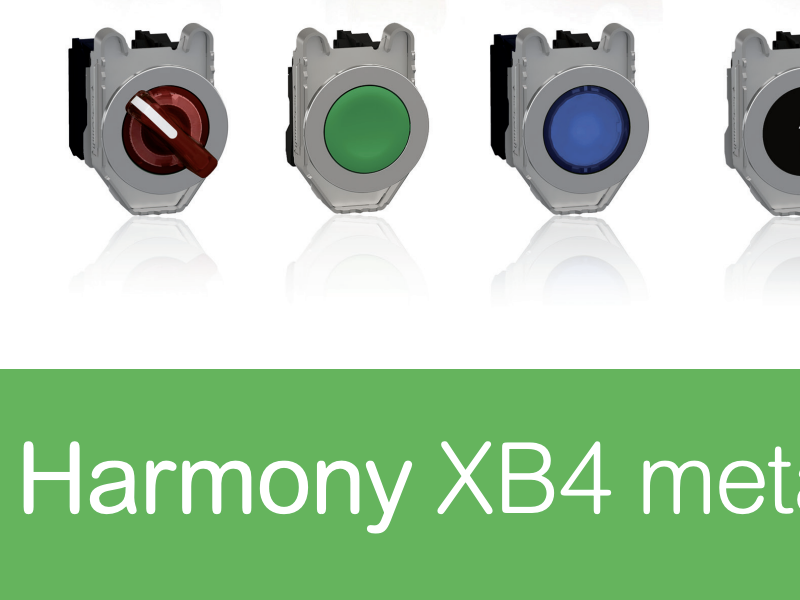
Harmony XB4-ZB4 Metal Push Button - Catalog
View Resource
 PDF
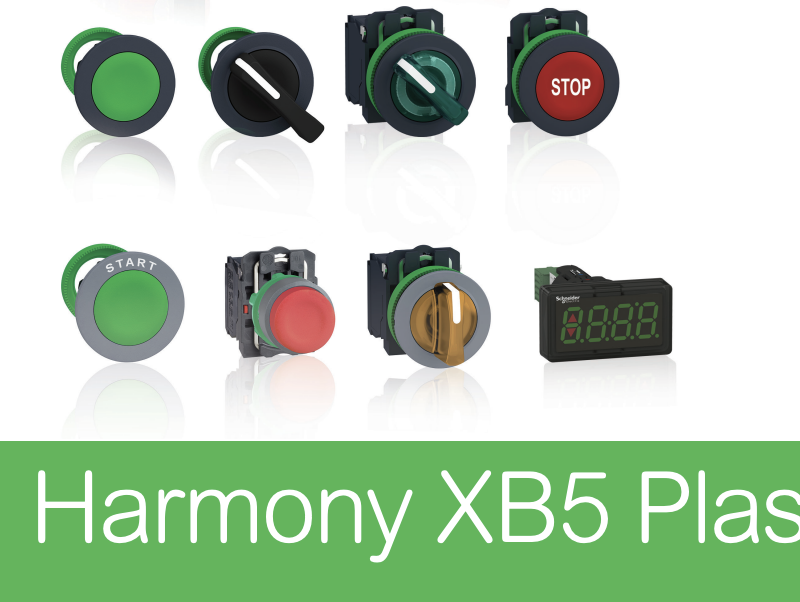
Harmony XB5 Plastic Push Button - Catalog
View Resource
 PDF
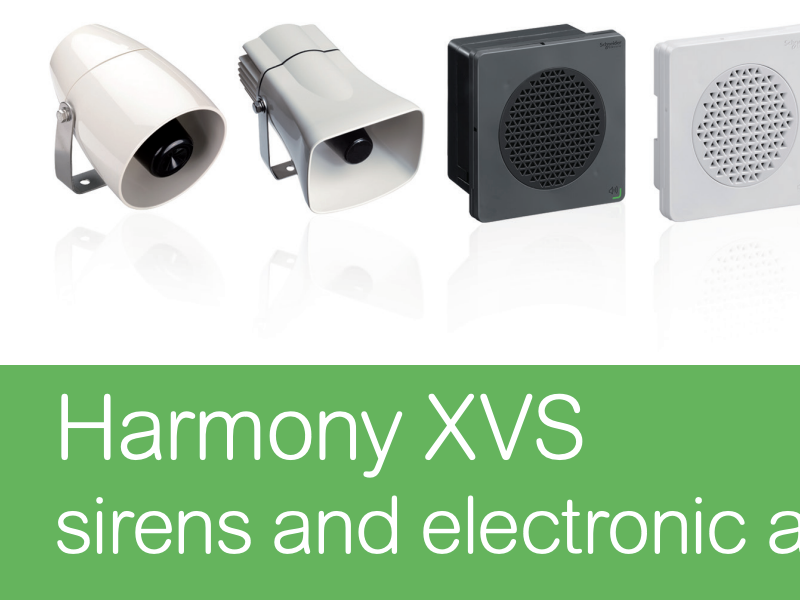
Harmony XVS Sirens and Electronic Alarms - Catalog
View Resource
 PDF
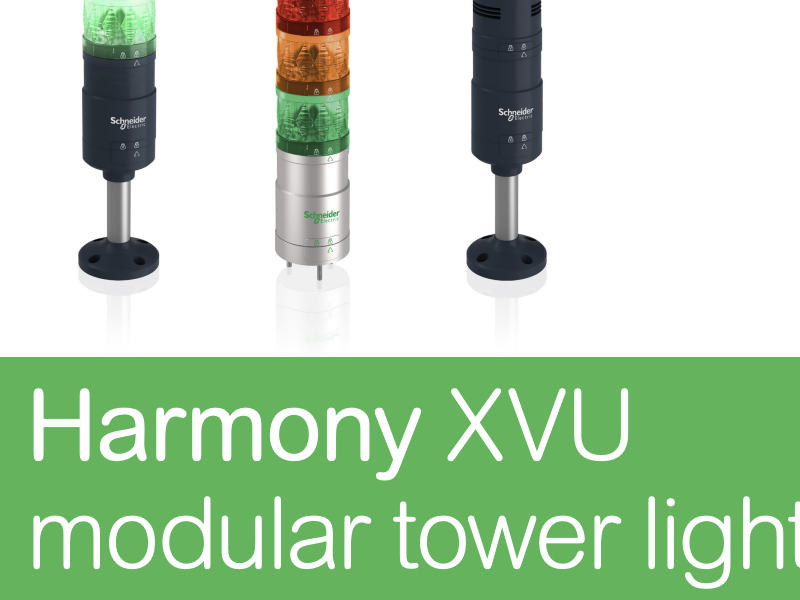
Harmony XVU Modular Tower Lights - Catalog
View Resource
 PDF
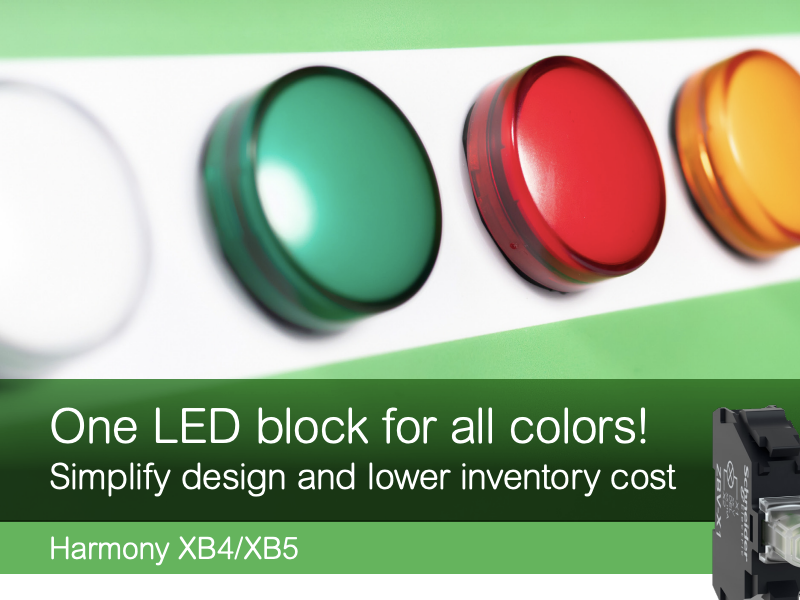
New Universal LED Contact Block - Brochure
View Resource
 PDF
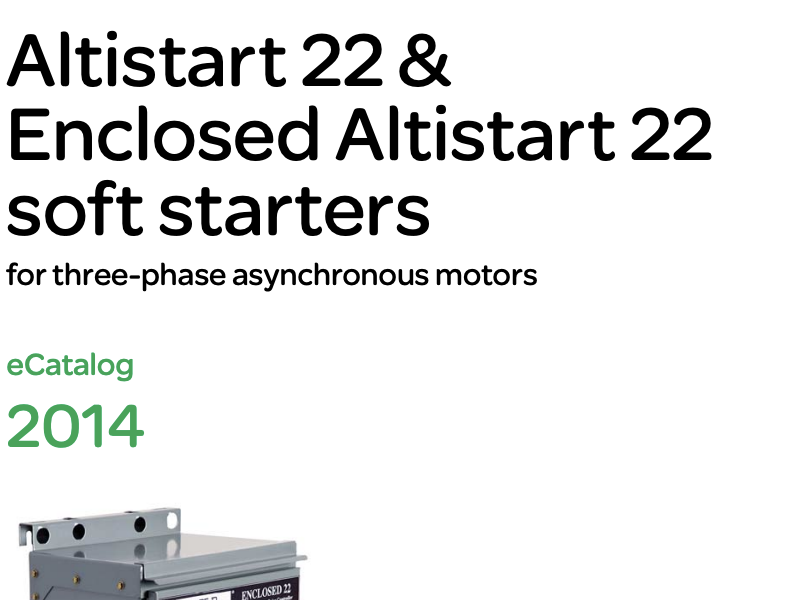
Altistart 22 & Enclosed Altistart 22 soft starters - Catalog
View Resource
 PDF
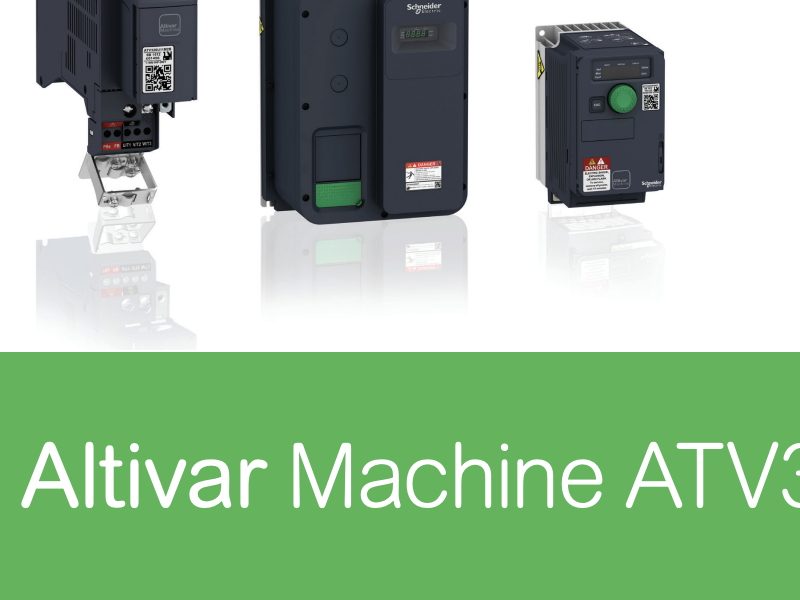
Altivar ATV320 Machine Drive - Catalog
View Resource
 PDF
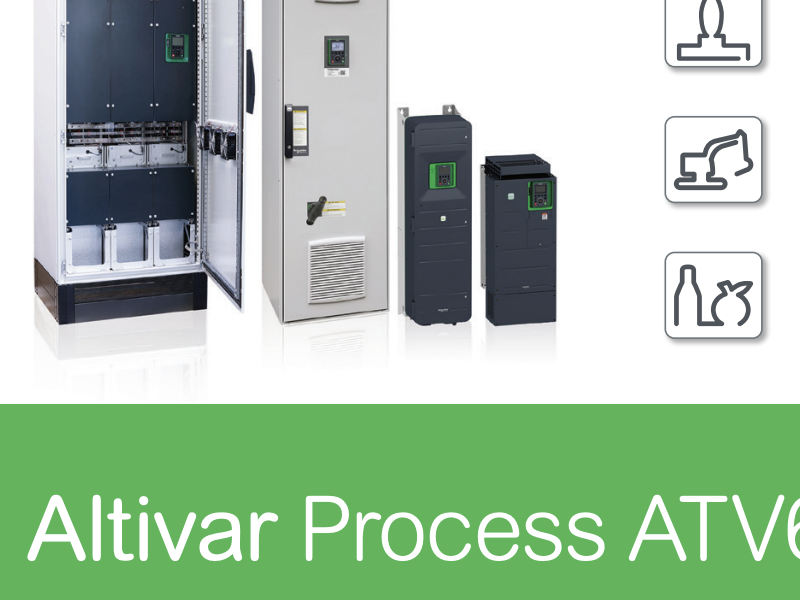
Altivar Process ATV600 - Catalog
View Resource
 PDF
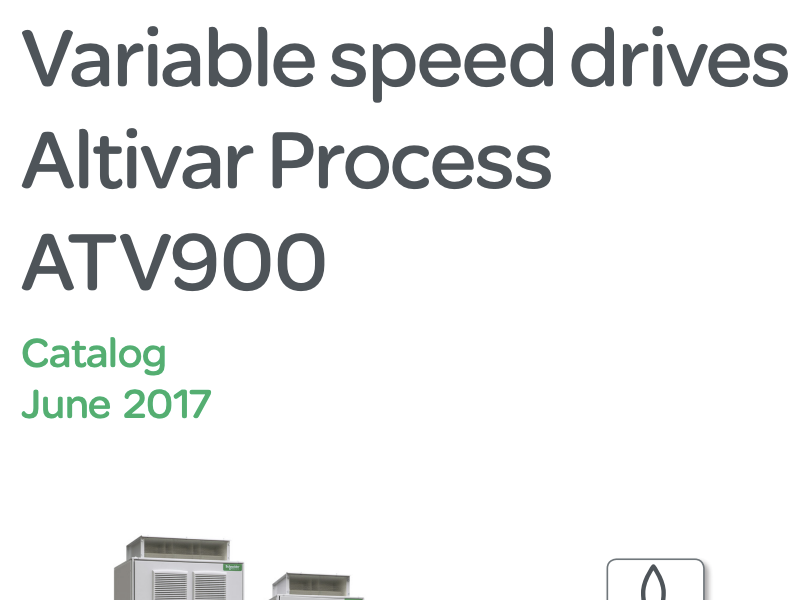
Altivar Process ATV900 - Catalog
View Resource
 PDF
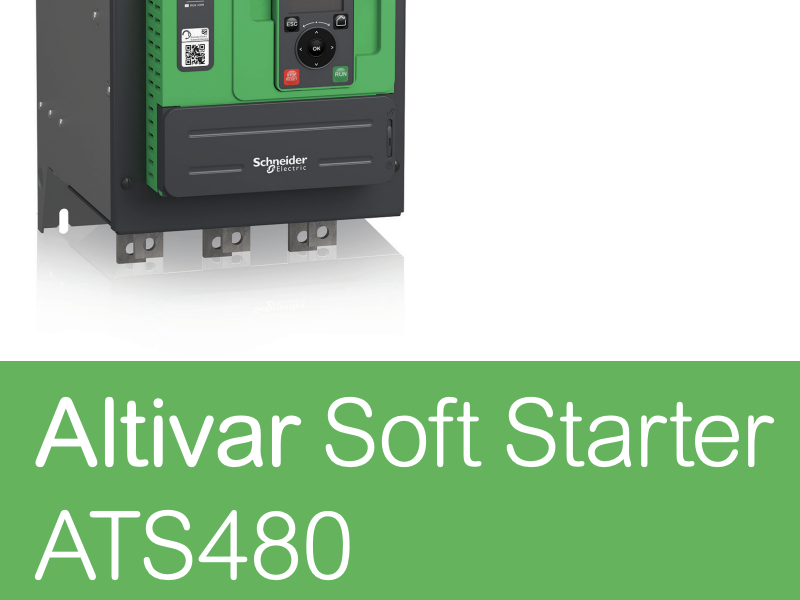
Altivar TM Soft Starter ATS480 - Brochure
View Resource
 PDF
Catalog for Altivar Soft Starter ATS480 - Brochure
View Resource
 PDF
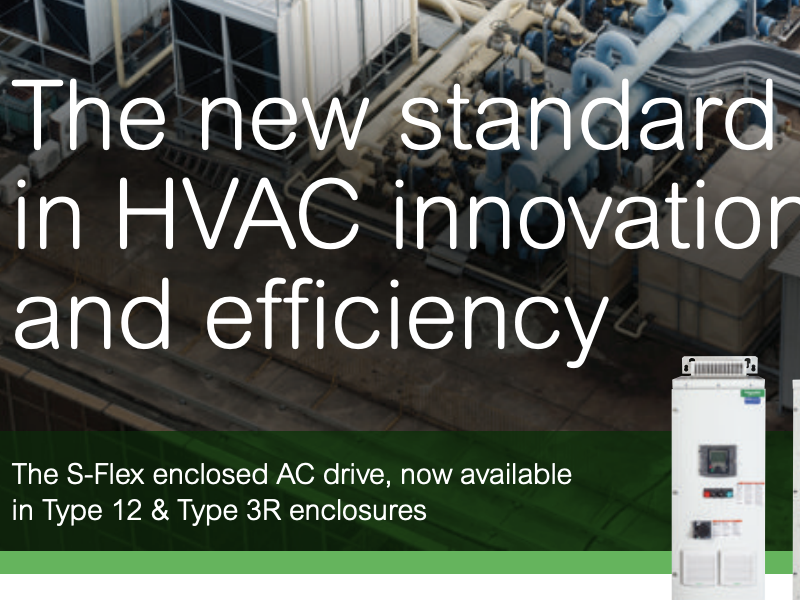
S-Flex Enclosed AC Drives in HVAC Applications - Brochure
View Resource
 PDF
Soft start/soft stop units Altistart 48 - Catalog
View Resource
 PDF
Automation and Control Essentials - Catalog
View Resource
 PDF
Automation and Control Essentials - Control Panel - Catalog
View Resource
 PDF
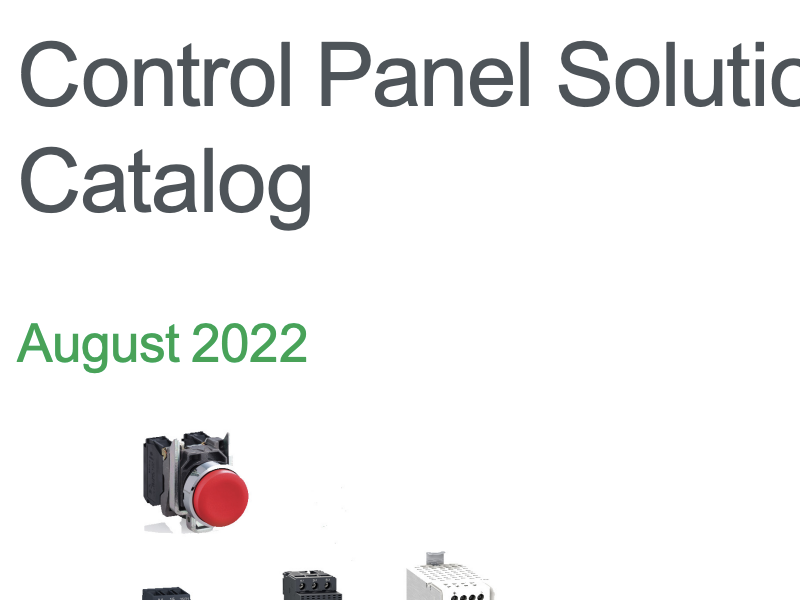
Control Panel Solutions - Catalog
View Resource
 PDF
Control Panel Technical Guide
View Resource
 PDF
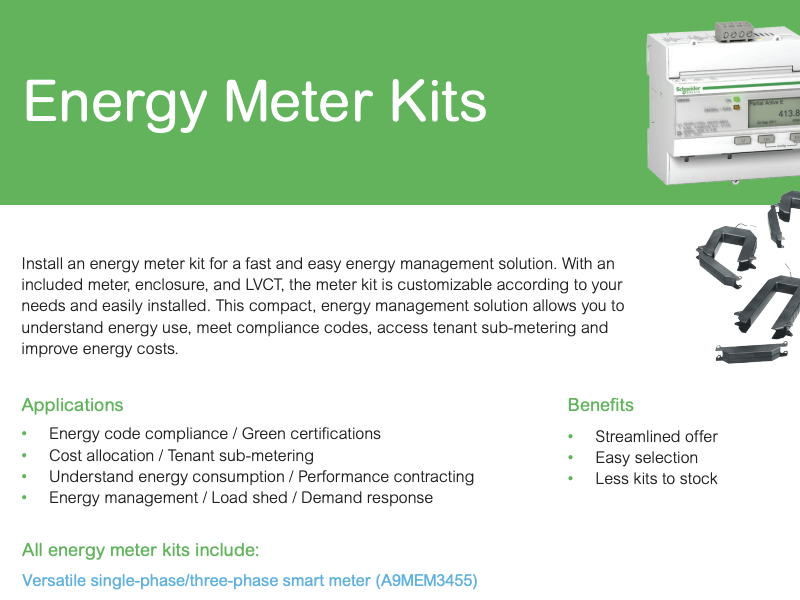
Energy Meter Kit - Handout
View Resource
 PDF
Human Machine Interfaces Product Line-up Guide
View Resource
 PDF
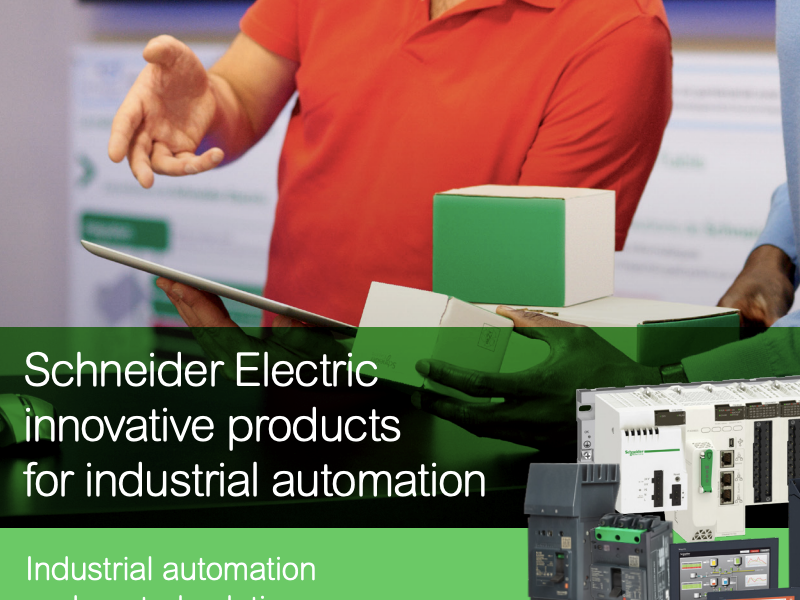
Industry Line Card
View Resource
 PDF
Machine Safety - Brochure Guide
View Resource
 PDF
Motor-Management eBook
View Resource
 PDF
Panel Builders White Paper - Brochure
View Resource
 PDF
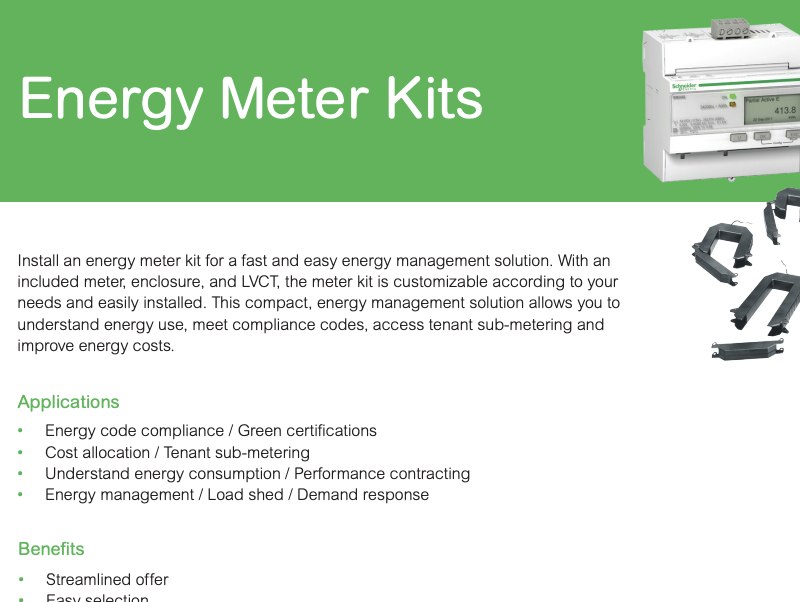
Single-Phase / Three-Phase Smart Energy Meter Kits - Brochure
View Resource
 PDF
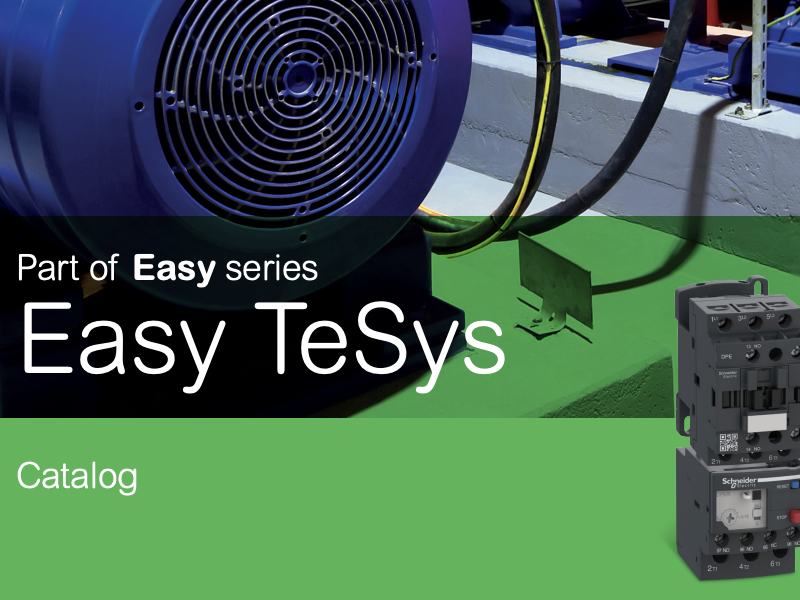
Easy TeSys - Catalog
View Resource
 PDF
TeSys - Catalog - Innovative and connected solutions for motor starters
View Resource
 PDF
TeSys Control - Giga Contactors TeSys Protect - Giga Electronic Overload Relays - Catalog
View Resource
 PDF
TeSys Deca - eGuide
View Resource
 PDF
Tesys Giga Motor Starter Range - Flyer
View Resource
 PDF
TeSys Island - Catalog
View Resource
 PDF
TeSys Island - Flyer
View Resource
 PDF
Advantage Service Plans from Schneider Electric Field Services - Brochure
View Resource
 PDF
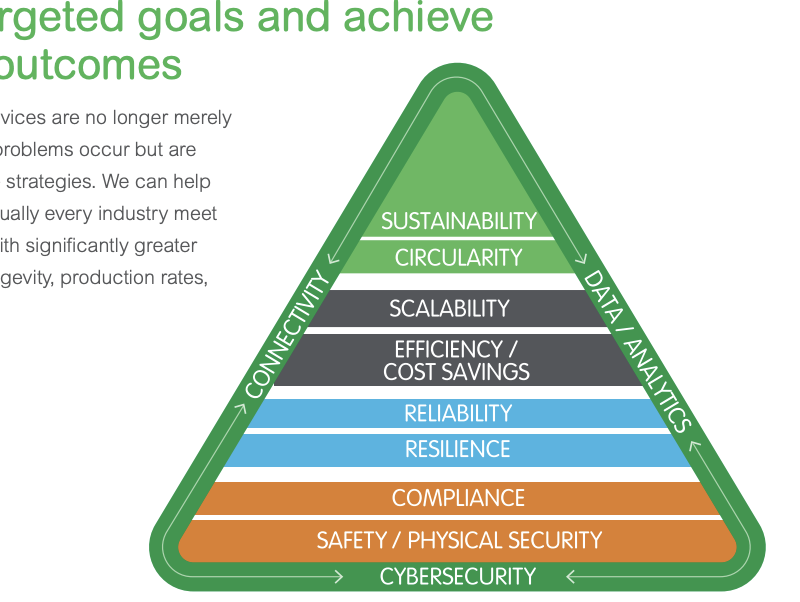
EcoCare - Schneider Electric Services - Brochure
View Resource
 PDF
Electrical Distribution Services (long)
View Resource
 PDF
Upgrading your aging switchgear equipment is easier than you think - Brochure
View Resource

Accessibility Widget
We use the UserWay accessibility widget to help make our website more accessible. Look for the accessibility icon on the side of your screen to access tools including:
We are committed to continuously improving access to our goods and services by individuals with disabilities.
If you are unable to use any aspect of this website because of a disability, please call 352 629-7991 and we will provide you with prompt personalized assistance.
If you have trouble seeing web pages, the US Social Security Administration offers these tips for optimizing your computer and browser to improve your online experience.
If you are looking for mouse and keyboard alternatives, speech recognition software such as Dragon Naturally Speaking may help you navigate web pages and online services. This software allows the user to move focus around a web page or application screen through voice controls.
If you are deaf or hard of hearing, there are several accessibility features available to you.
Closed Captioning
Closed captioning provides a transcript for the audio track of a video presentation that is synchronized with the video and audio tracks. Captions are generally visually displayed over the video, which benefits people who are deaf and hard of hearing, and anyone who cannot hear the audio due to noisy environments. Most of our website's video content includes automated captions. Learn how to turn captioning on and off in YouTube.
Volume Controls
Your computer, tablet, or mobile device has volume control features. Each video and audio service has its own additional volume controls. Try adjusting both your device's volume controls and your media players' volume controls to optimize your listening experience.
Use keywords in the search box below to find what you're looking for.